Choosing a password manager used to be a simple decision. Pick something secure, store your logins, and move on. In 2026, that’s no longer enough.
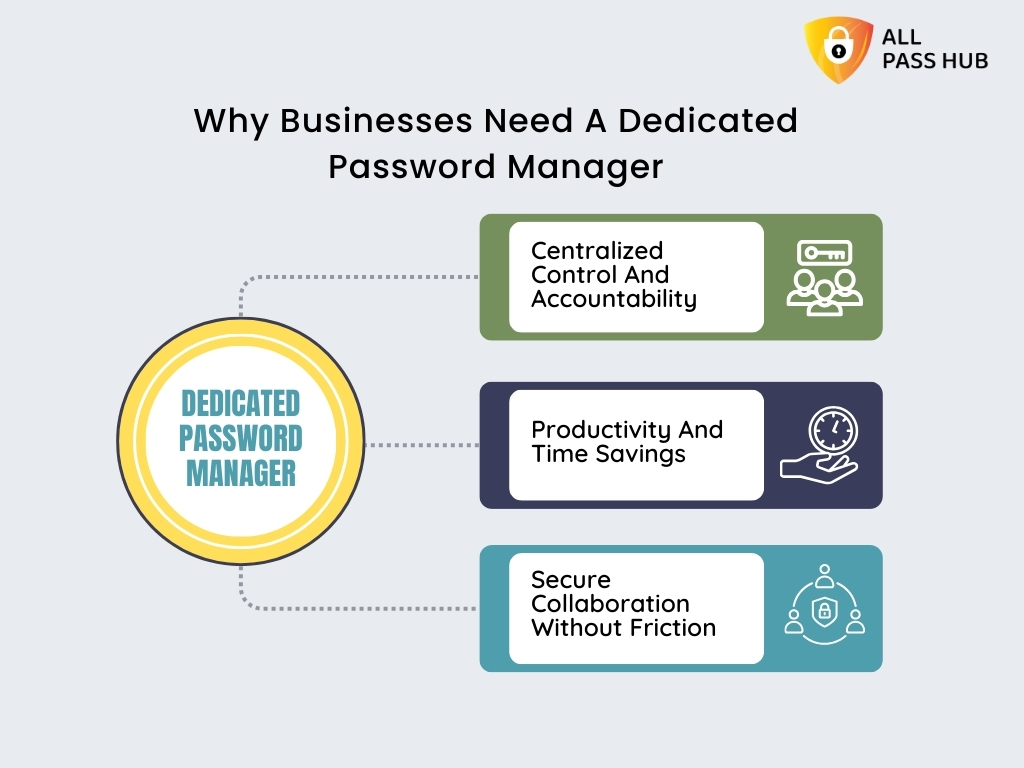
For agencies and small teams, passwords are not just personal credentials. They are shared assets tied to client work, internal tools, billing systems, and critical infrastructure. A single weak link can expose an entire organization. At the same time, teams need to collaborate quickly, onboard and offboard users without friction, and maintain visibility over who accessed what and when.
A single weak link can expose an entire organization. Across recent studies, more than 19 billion passwords have been exposed in data breaches, highlighting how widespread credential risk has become. At the same time, teams need to collaborate quickly, onboard and offboard users without friction, and maintain visibility over who accessed what and when.
This is where the gap between traditional password managers and team-focused solutions becomes clear.
Many tools still prioritize individual use, offering limited sharing, restricted audit logs, or expensive upgrades for basic team features. Others are built with enterprises in mind, making them overly complex or costly for smaller teams that just need something reliable, secure, and easy to manage.
So the question is not just “Which password manager is the most secure?” It is “Which one actually fits the way agencies and small teams work today?”
In this guide, we will break down the best password managers for agencies and small teams in 2026, focusing on what truly matters: secure sharing, access control, auditability, ease of use, and pricing that scales with your team, not against it.
Also Read – Password Security for Agencies: Why Ignoring it Could Cost You Everything
How We Evaluated These Tools
Every tool in this comparison was assessed against five criteria, normalised so you can make a fair decision without visiting five vendor sites:
- Price per user per month — annual billing, no introductory rates
- RBAC in the base tier — whether role-based access control is included without an upgrade
- Self-hosting availability — for teams with data residency or compliance requirements
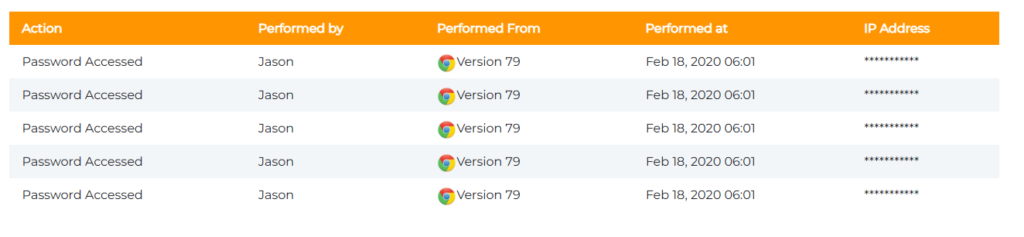
- Audit logs — who accessed what, and when
- Free tier — whether there is a credible no-cost starting point for early-stage teams
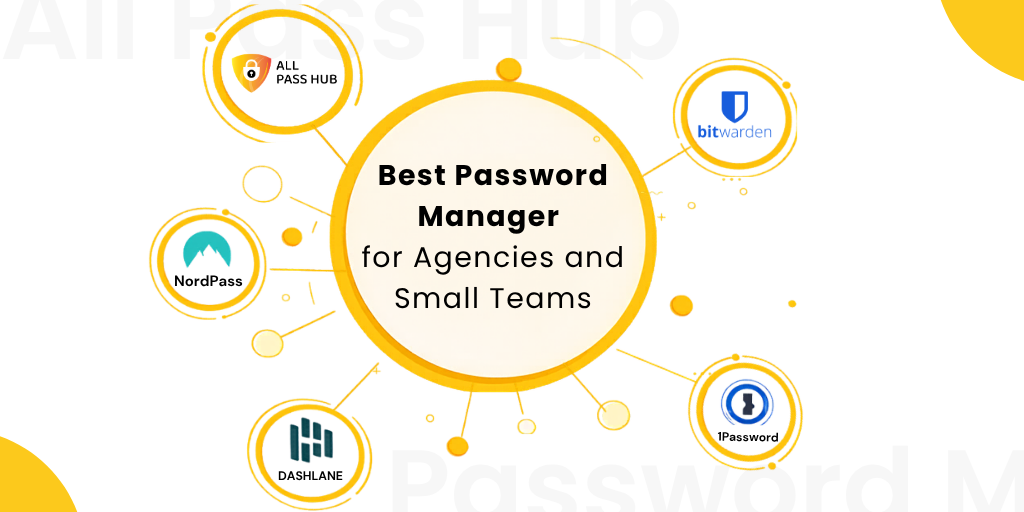
Comparison Table — All Pass Hub vs Bitwarden vs 1Password vs NordPass vs Dashlane
| Feature | All Pass Hub | Bitwarden | 1Password | NordPass | Dashlane |
|---|---|---|---|---|---|
| Price/user/month (annual) | ~$2/user/month (teams) | ~$4 (Teams) | ~$7 (Business) | ~$4.99 (Teams) | ~$8 (Business) |
| RBAC in base tier | Yes (item-level RBAC in team plans) | Yes (Collections) | Yes (13 permissions) | Yes | Yes |
| Self-hosting | Yes (hybrid self-hosting) | Yes | No | No | No |
| Audit logs | Yes (included in team plans) | Yes (Teams+) | Yes | Yes (Business+) | Yes |
| Free tier | Yes (individual use; team features require paid plan) | Individuals only | No | No | No |
| Team size sweet spot | 2-30 | 5-50 | 10-100+ | 2-25 | 5-50 |
| Client credential sharing | Yes (unlimited sharing + guest access + vault isolation) | Via Collections | Via Guest accounts | Limited | Limited |
How Can Agencies Share Passwords with Clients Securely?
Most password management guides conflate two distinct problems: sharing credentials with colleagues (internal) and sharing credentials with clients (external). The workflows are different, the risk profiles are different, and not every tool handles both well.
- Internal sharing means a colleague in your org gets access to a vault or collection. They’re under your admin policies, you can revoke them with one click, and their access is tied to a user account you control.
- External client sharing means someone outside your org, a client, a contractor, a freelancer, needs temporary access to a specific set of credentials. They shouldn’t see anything else in your vault. That isolation is the hard part, and it’s where most general-purpose tools fall short.
Agencies typically use one of three models:
1. Shared vault with scoped access
Create a dedicated vault or collection per client. Only grant that client’s team access to their own collection. Bitwarden handles this with Collections you assign a user to a specific Collection with view, edit, or manager-level permissions. Nothing else in your vault is visible to them.
2. Guest or client invite to a specific folder
1Password supports Guest Accounts, where external users who can be invited to a single vault with limited permissions. They cannot browse your other vaults. This is the cleanest model for agencies handing off credentials at project end, because the client’s access is structurally isolated from day one.
3. Time-limited or view-count-limited sharing
Some purpose-built agency tools support credential shares that expire after a set number of days or views. This is useful for one-off handoffs where you don’t want to manage an ongoing user account for the client. General-purpose tools like Bitwarden and 1Password do not natively support this model without workarounds.
- The offboarding step matters most.
When a project ends, you need to revoke the client’s access in one action, not manually remove them from every shared folder. Tools like Bitwarden and 1Password let you remove a Guest Account or Collection member in a single step. If your tool requires manual cleanup of each shared item, you will forget one eventually. That’s how stale access creates a breach.
- Where All Pass Hub fits this workflow:
All Pass Hub supports secure client sharing through encrypted vaults, item-level access control, and unlimited sharing. Teams can isolate credentials by client, assign scoped access, and maintain full visibility through audit logs, making it suitable for both internal collaboration and external client access.
Which Password Manager Is Right for Your Team? (Use-Case Recommendations)
Generic rankings don’t answer the real question: which tool fits your team structure? Here’s how the comparison breaks down by three common agency and small-team models.
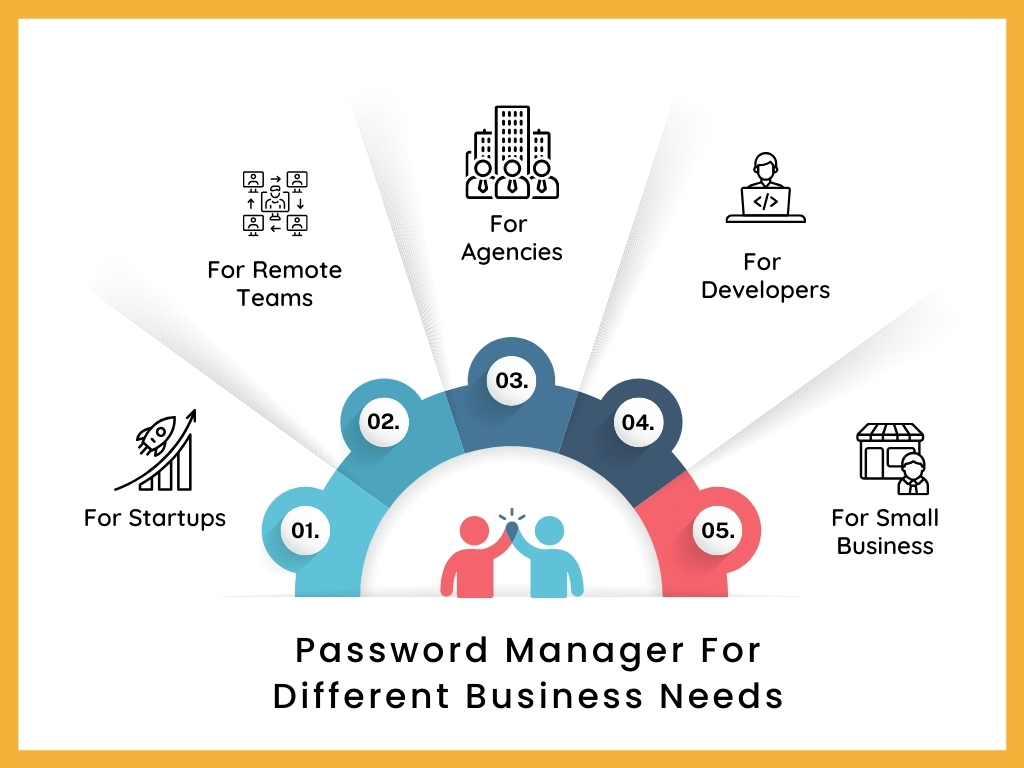
1. For MSPs managing multiple clients
Core need: Vault or collection isolation per client, reliable onboarding and offboarding workflows, and audit logs you can show a client if they ask who accessed their credentials.
Recommended
Bitwarden (Collections) 1Password (Guest Accounts) All Pass Hub (Client-level vault isolation + built-in audit logs)
⚠ Watch for
Tools that use a single shared vault across all clients. If one client’s credentials are stored in the same collection as another’s, you have a cross-contamination risk and an awkward conversation if a client ever asks for an access audit.
Also Read – How All Pass Hub’s Password Manager Audit Trail Protects Agencies from Client Disputes
2. For a 5–15 person startup
Core need: Low per-user cost, fast setup, shared vaults without needing a dedicated IT admin. You want a tool your team will actually use, not one that requires onboarding documentation.
Recommended
NordPass (setup speed) Bitwarden (cost + free tier) All Pass Hub (simple onboarding + team-friendly pricing)
⚠ Watch for
Minimum seat requirements. Zoho Vault’s Professional tier requires at least five licences. If you’re a team of two or three, check whether the tool’s pricing model actually works for your size before starting a trial.
3. For an IT agency needing vault-per-client
Core need: Strict credential isolation between client environments, granular RBAC so different team members see only what they’re authorised to see, and audit logs for compliance or client accountability.
Recommended
Bitwarden (self-hosting + Collections) 1Password (13 vault permissions) All Pass Hub (granular access control + client-isolated vault structure)
⚠ Watch for
Cloud-only tools without self-hosting may create data residency issues for clients in regulated industries. All Pass Hub and Bitwarden both support self-hosting. Bitwarden offers full application-level self-hosting, while All Pass Hub provides a hybrid model where the encrypted credential database can be hosted on your own infrastructure.
Also Read – Comparison Between Bitwarden and All Pass Hub
What Features Should a Small Business Look for in a Password Manager?
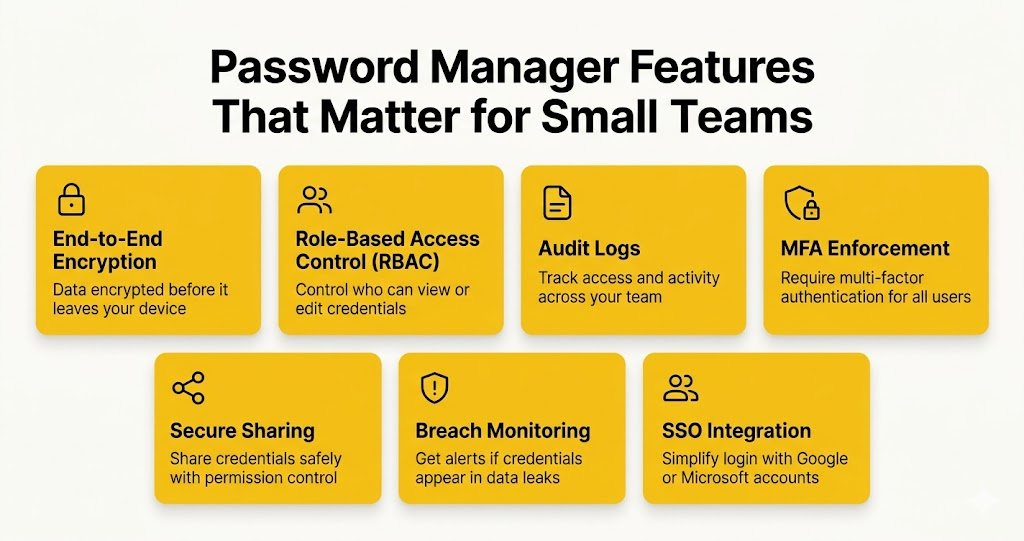
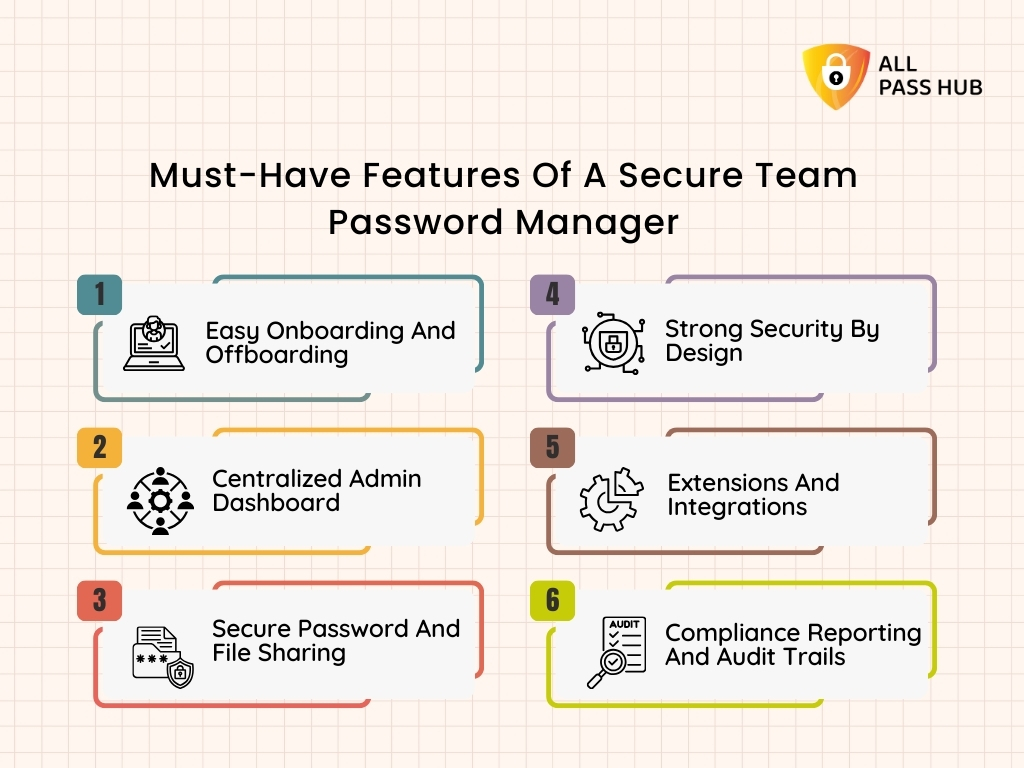
If you’ve landed here without a shortlist yet, here’s the feature framework. Five are non-negotiable for any team use case. Two are worth paying for if your threat model warrants it.
Credentials should be encrypted before they leave your device. Zero-knowledge architecture means the vendor cannot read your vault even if compelled.
Admins should be able to set who can view, edit, or share specific credentials. Without RBAC, every team member has access to everything.
A record of who accessed which credential and when. Essential for incident response and client accountability. Check whether it’s included in the base tier.
Admins should be able to require multi-factor authentication for all users, not just offer it as an opt-in. This is the single highest-impact security control available.
- Secure sharing
Sharing should be encrypted end-to-end, with permission controls. Sharing via email or a shared spreadsheet undermines everything else.
- Breach monitoring
Dark web alerts notify you when a stored credential appears in a known data breach. Dashlane includes this; Bitwarden does not on standard plans.
- SSO integration
For teams using Google Workspace or Microsoft 365, SSO integration simplifies onboarding and offboarding. 1Password and Bitwarden (Teams+) both support SAML-based SSO.
Budget reality: For teams of 2–5 on tight budgets, a credible free tier may matter more than advanced RBAC. All Pass Hub’s free tier is genuinely usable for individuals and offers a functional starting point though team-sharing features require a paid plan. See the comparison table above for where each of these five features is included or absent across all five tools.
Is All Pass Hub Good for Teams? (And How It Compares)
All Pass Hub is built specifically for agencies and small teams, and its feature set reflects that focus. Instead of covering every enterprise use case, it prioritizes everyday password workflows like secure sharing, client-level isolation, and granular access control without adding operational complexity
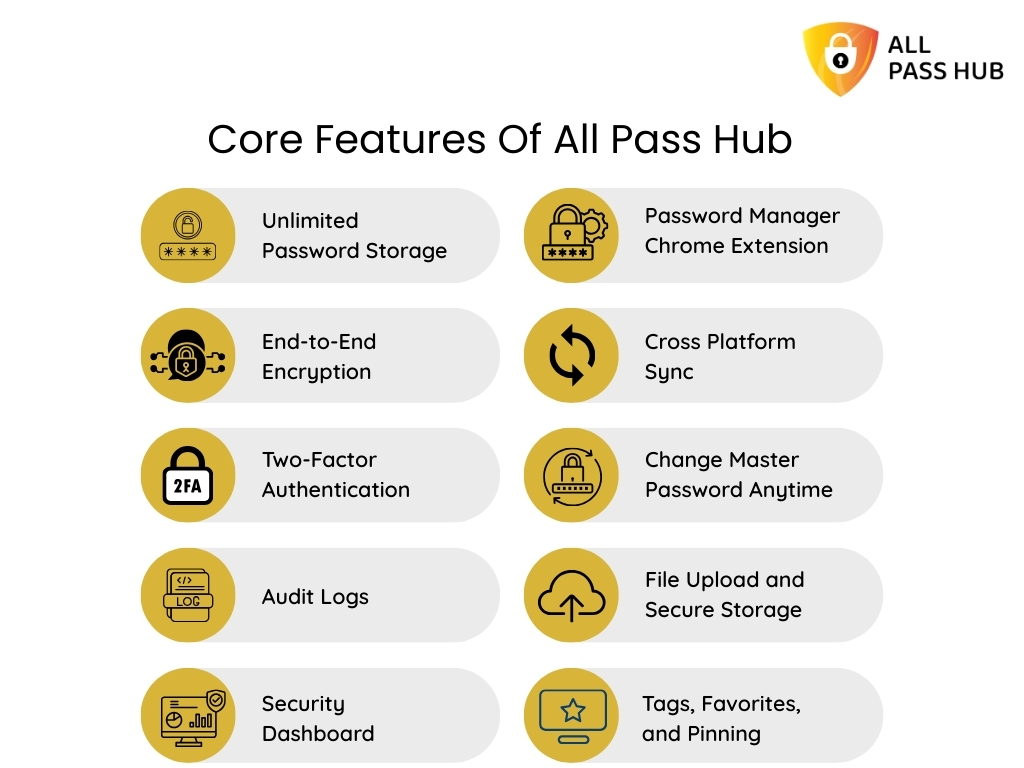
Features such as item-level access control, audit logs, and unlimited sharing are part of the core experience, so teams can use them immediately without complex setup. At the same time, security features like end-to-end encryption and self-hosting ensure strong protection and data control without added complexity.
All Pass Hub strengths
- End-to-end encryption + zero-knowledge architecture: all data is encrypted on your device, and even the platform cannot access or decrypt your vault
- Self-hosting with full data control: host your encrypted credential database on your own infrastructure while keeping setup simple
- Item-level RBAC: control access down to individual credentials, ensuring clean separation across clients and team roles
- Audit trails + real-time visibility: track every access, edit, or share action for accountability and client reporting
- Unlimited sharing (including guest access): securely share credentials with team members, clients, or external collaborators without limits
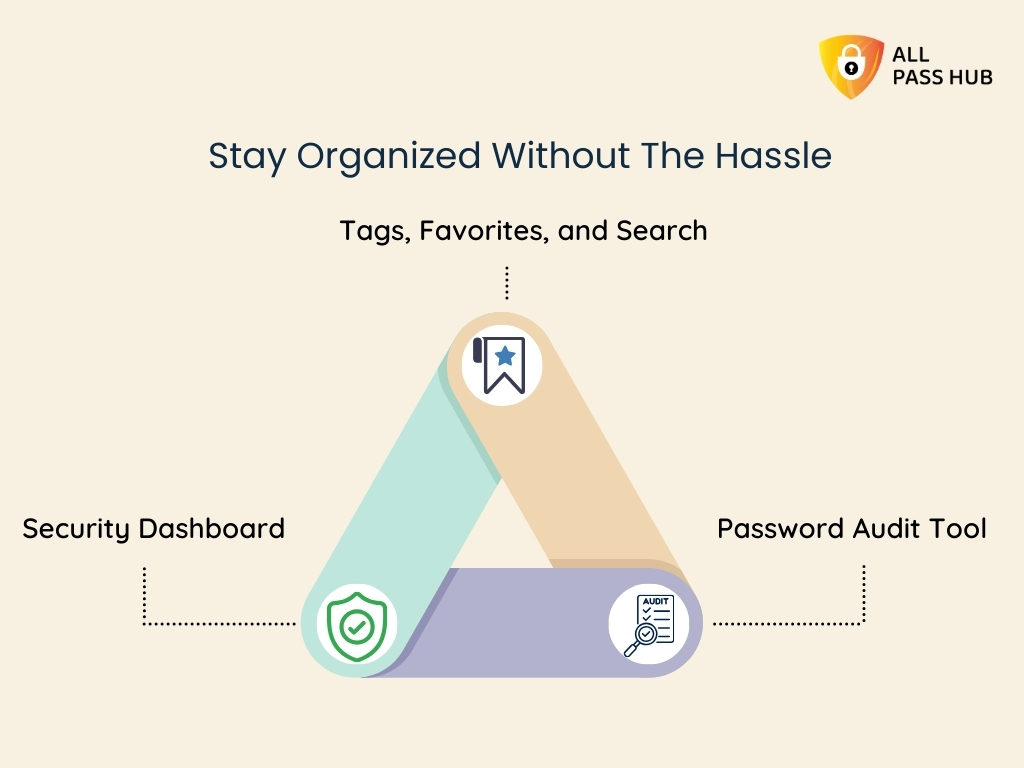
- Security dashboard: identify weak or reused passwords and improve overall password health proactively
- Built for team workflows: features like tagging, pinning, file storage, and import/export help teams stay organized without friction
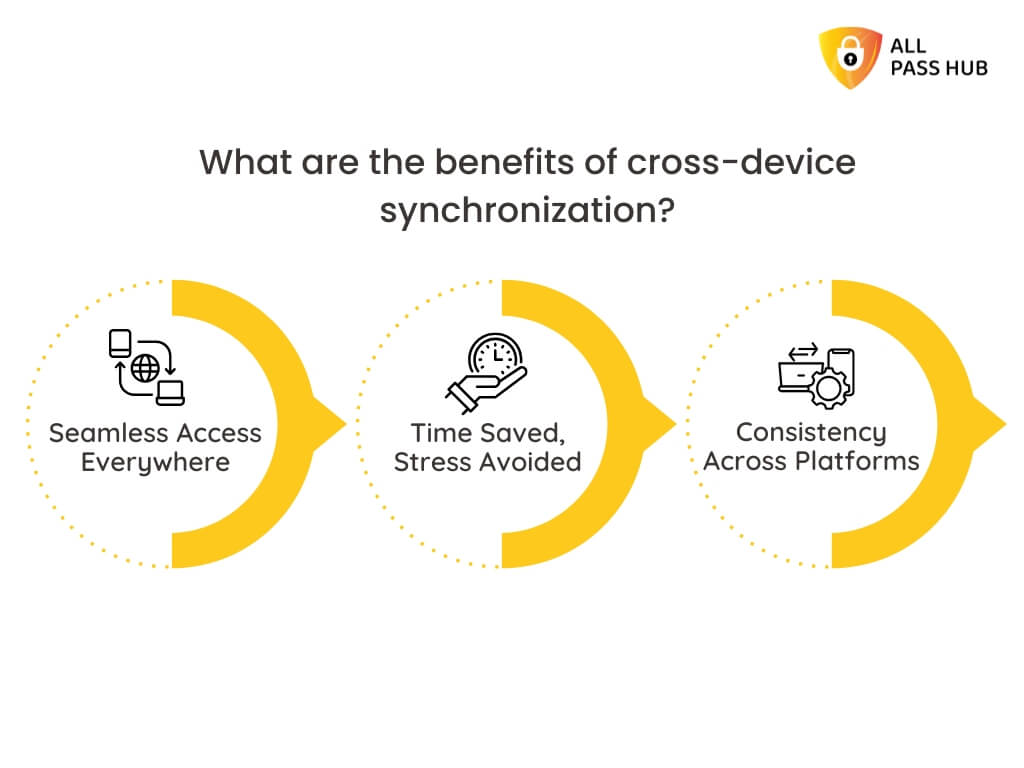
- Cross-platform access + browser extension: seamless usage across devices with autofill and quick access
- Unlimited credentials: no storage limits as your team or client base grows
All Pass Hub limitations
- Not fully open-source: focuses on practical security architecture rather than publicly auditable codebases
- Hybrid self-hosting model: you control the database layer, while the application layer remains managed, reducing operational overhead but differing from fully self-hosted tools
- Designed for small teams (2–30 users): optimized for clarity and speed rather than enterprise-scale complexity
- Simplicity over deep customization: prioritizes ease of use and fast adoption instead of layered configuration systems
One-sentence verdict: Choose All Pass Hub if you want strong security fundamentals, precise access control, and client-safe sharing in a system that stays simple to manage. Consider alternatives if your priority is full open-source transparency or enterprise-scale customization beyond small-team workflows.
Conclusion
There is no universal winner in password management, only trade-offs that align differently depending on how your team operates day to day.
Some teams will naturally lean toward tools like Bitwarden for its flexibility and self-hosting capabilities, especially when infrastructure control is a priority. Others may prefer 1Password for its polished experience and depth of permission management in more structured environments.
But for many agencies and small teams, the challenge is not a lack of features. It is finding a tool that balances security with clarity, without adding operational overhead.
That is where All Pass Hub takes a different approach.
Instead of layering advanced features behind higher tiers or complex setups, it focuses on making core team requirements immediately usable. Client-level separation, access visibility, and shared credential management are treated as fundamentals rather than upgrades. This makes it particularly well-suited for teams that need to move quickly while still maintaining control.
In practice, the best choice often comes down to this: do you want a tool you need to configure around your workflow, or one that already aligns with it?
If your team values straightforward setup, clear structure, and built-in accountability without added complexity, All Pass Hub is a strong option to consider alongside the more established names.
Frequently Asked Questions
- What is the best password manager for a small business in 2026?
The best password manager for a small business in 2026 depends on team size and use case. All Pass Hub provides an encrypted vault with a built-in password generator suited to small teams. Bitwarden is the strongest choice for teams prioritising open-source transparency and low per-user cost. NordPass suits teams that need fast setup and zero-knowledge encryption without enterprise complexity. 1Password is best for teams needing granular vault permissions and passkey support.
2. What is the best password manager for a marketing agency?
Marketing agencies need a password manager that can handle multiple client accounts with scoped access and easy credential handoff. All Pass Hub, Bitwarden (via Collections), and 1Password (via Guest Accounts) all support client-facing sharing models. The critical feature to verify is whether the tool allows you to grant a client access to their own credentials only — without exposing your agency vault or other client data.
3. How do agencies share passwords with clients securely?
Agencies share passwords with clients securely by granting scoped access to a specific vault collection or folder, not by sharing master vault credentials or sending passwords via email. Tools like Bitwarden use Collections; 1Password uses Guest Accounts with limited permissions. The workflow is: create a client-specific collection, populate it with that client’s credentials, invite the client with view-only or edit access, and revoke access at project end. All Pass Hub’s client-sharing model is based on encrypted vaults with item-level access control and unlimited sharing, allowing agencies to grant clients scoped access while keeping other credentials fully isolated.
4. What is the difference between a personal and team password manager?
A personal password manager stores and autofills credentials for one user. A team password manager adds shared vaults, role-based access controls, admin dashboards, user provisioning, and audit logs, so an admin can manage who accesses which credentials, enforce password policies across the organisation, and revoke access instantly when a team member leaves. For any team beyond two people sharing credentials, the admin controls and audit trail of a team-focused tool are essential.
5. How much does a business password manager cost?
Business password managers typically cost between $2 and $8 per user per month when billed annually.
- All Pass Hub pricing: around $2/user/month (teams).
- Bitwarden Teams is around $4/user/month.
- NordPass Teams is around $4.99/user/month.
- 1Password Business is around $7/user/month.
- Dashlane Business is around $8/user/month.
Some tools, including Bitwarden, offer a credible free tier for individuals – but team-sharing features typically require a paid plan. Minimum seat requirements vary; Zoho Vault’s Professional tier requires five licences minimum.