- Posted on March 23, 2026
- 11 Min Read
Anyone who has managed a small team long enough has seen a similar moment play out.
A project lead is minutes away from a client review, asks for a password, and suddenly the room goes quiet.
Slack is searched. An old spreadsheet is opened. Someone insists, “They had it last week.”
A five-second step becomes a five-minute scramble.
In our experience, it is a workflow problem that grows silently behind teams that move fast, juggle clients, and rely on habits that never scaled.
Most teams overlook one truth: Password chaos arises because of a lack of a system, such as a password manager for small teams that people can trust under pressure.
That is why we have created this blog to provide small team managers and project leads a clear, step-by-step path to build a secure password workflow that actually thrives under an unexpected workload.
Let’s break the cycle of chaos and replace it with something sustainable.
Where Password Chaos Really Begins for Small Teams
Password chaos does not start with a breach. It begins long before that, quietly, inside the way small teams actually work.
Small teams move fast, rely on trust, and often assume “everyone knows where things are.” That assumption feels reasonable until a client requests immediate access and no one can agree on which login is the current one.
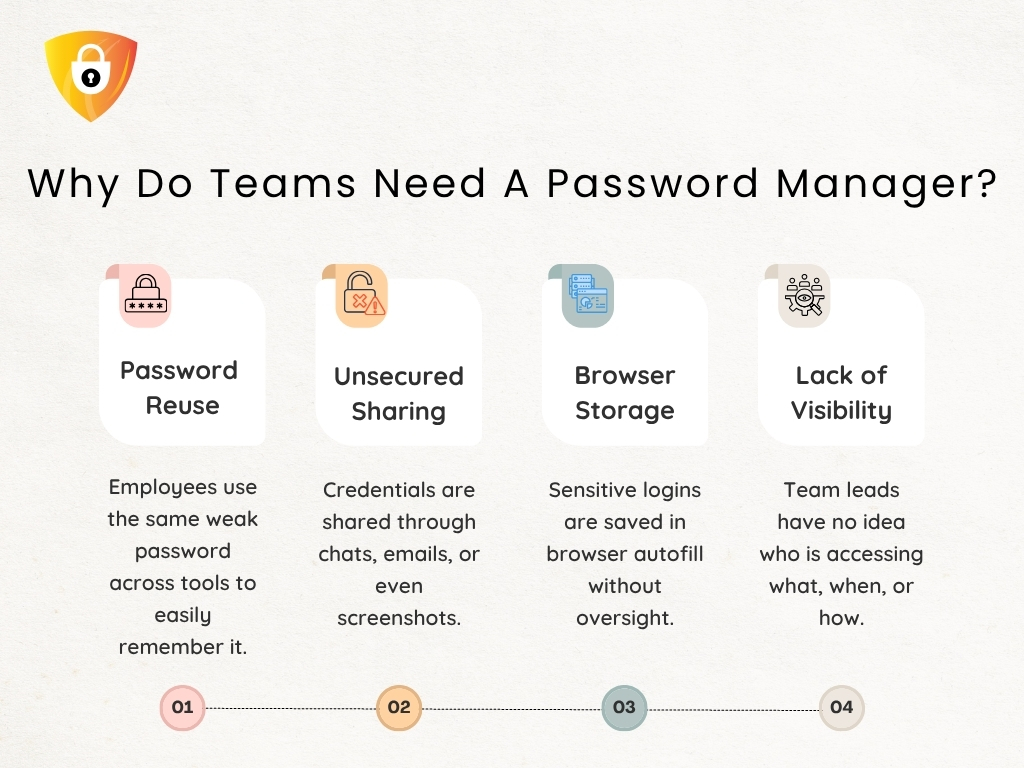
Small teams do not fail because they lack tools or the best security for small businesses. They fail because every person builds their own personal system.
- One manager maintains credentials in the browser autofill.
- A freelancer stores them in notes.
- A project lead remembers everything from memory.
- Someone else relies on Slack threads or Teams messages.
None of this feels dangerous until the team needs to move as one unit.
It is the actual reason workflows collapse. Not because people are careless, but because there is no shared structure.
Result: passwords drift, ownership blurs, and accountability becomes impossible to trace.
Once you recognize that the root problem is fragmentation, the path toward a predictable, structured workflow, such as a small business password manager, finally becomes visible.
What a Secure Workflow Actually Looks Like (Beyond Generic Tips)
Most small teams presume they have a workflow until a deadline exposes how fragile their process actually is.
- A teammate searches for the correct login.
- A contractor needs access, but no one remembers where the credential resides.
- A project lead checks three places before trusting a password.
These are not workflow quirks. They are signals that the system is working against the team, not for it.
The best security for a small business is not a list of handy practices. It is a rhythm the entire team can rely on.
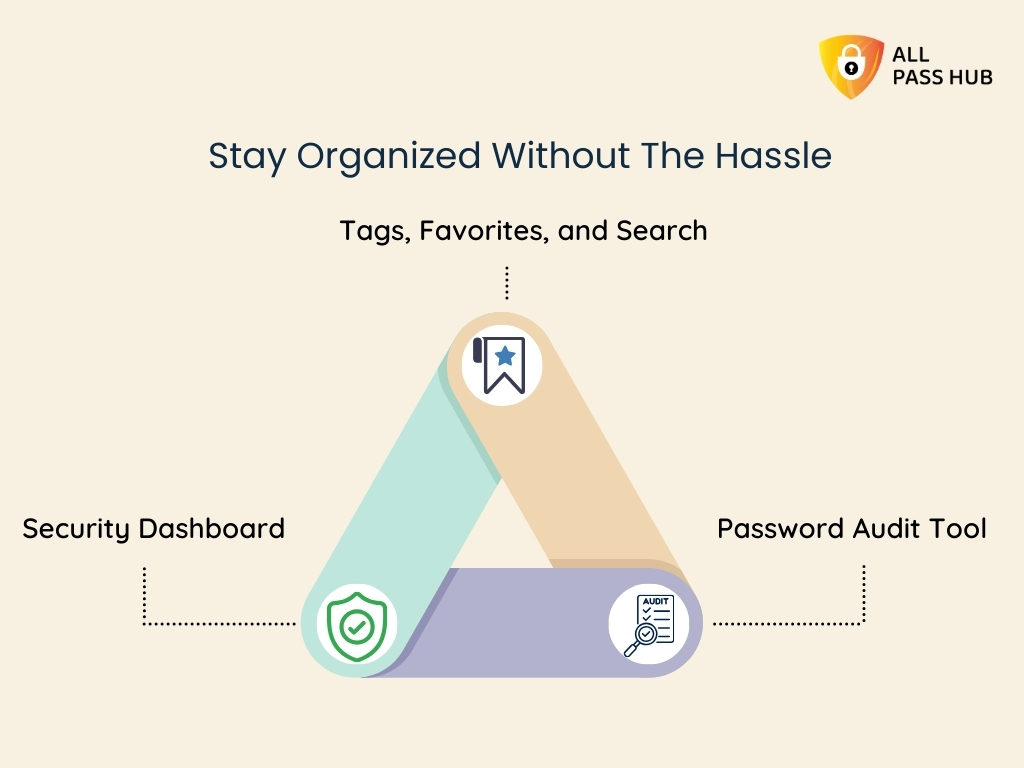
- It begins with having a source of truth, not scattered files.
- It continues with well-defined roles for who can view, use, or update credentials, ensuring no one has to guess what is safe to share.
- It concludes with a predictable way login details move across client work without relying on individual memory or personal habits.
We have seen teams rebuild their entire credential process once they realize this. Many adopt a password manager for small teams. When you remove improvisation, the workflow becomes steady, repeatable, and scalable.
And once this picture is transparent, the next step is understanding the foundation that makes this structure possible.
Step 1: Set The Standards Your Team Can Actually Remember & Follow
Every small team reaches a point where weak standards become the silent origin of every password fire drill. Not because people don’t care about security. But because the rules are too vague, complicated, or scattered to follow consistently.
A secure workflow begins with simple, memorable standards that hold up under pressure.
Here is the practical blueprint teams actually follow:
Create passwords people can remember without reusing.
Use short passphrases rather than complex strings using a password generator. They reduce friction and eliminate risky reuse.
Apply MFA where it genuinely matters.
Not everywhere, but enable 2FA on systems that could hinder client trust if accessed improperly.
Ban personal storage habits.
No browser vaults, no personal notes, no device-synced logins for client work.
We suggest creating standards that your team can recall under pressure. The correct rule is not the most detailed one; it is the one people remember at the exact moment they are about to share or create a password.
Remember to revisit your standards every quarter, as most leaks originate from rules that were never updated or fully adopted.
Once your baseline is solid, the next step is giving these standards a single, structured home that everyone can rely on.
Step 2: Centralize Credentials in a Password Manager Built For Small Teams
Every small team eventually reaches the same crossroads.
“The passwords are everywhere, the responsibility sits with whoever remembers the most, and the system collapses the moment that person is unavailable.”
It is when managers and project leads finally realize that the actual problem is not security. It is the absence of structure. A password manager for small teams resolves this by creating a single, organized home for every credential.
What do you get? It provides clean vaults for each client, access rules based on roles instead of guesswork, and a definite line between what everyone should view and what only a few should.
The actual advantage is operational. How? Centralizing storage prepares the team for growth.
- Onboarding new members is faster because everything is organized.
- Contractors only see what they need to see.
- Leaders finally gain visibility into how access flows across the team.
When the vault becomes the trusted place everyone relies on, the next challenge is making daily access feel fast, safe, and effortless.
Step 3: Make Daily Access Fast, Safe, and Predictable
The real test of any password workflow is not the rules you write. It is how your team behaves when work gets chaotic.
After working with multiple clients, we have seen small teams fail at security because daily access becomes painful, slow, or inconsistent, and people naturally take shortcuts. A secure workflow needs to feel just as smooth as the messy habits it replaces.
A password manager for small teams resolves this by creating predictable access paths. The following table illustrates how it makes everyday actions smooth.
Daily Access Flow Snapshot
| Daily Action | How It Works in a Secure System | Why It Matters |
| Log in to tools | Autofill and shared vault access | Faster work, fewer shortcuts |
| Shared accounts | Role-based visibility | No unnecessary exposure |
| Sensitive logins | Use without seeing | Reduces misuse and forward sharing |
| New assets | Add to the vault once | Everyone stays in sync |
It is the point where teams stop reverting to old patterns because the new workflow genuinely works better.
Step 4: Fix Onboarding, Offboarding, and Access Reviews
Every small team eventually realizes that password security doesn’t collapse during hacks. It collapses during people changes.
- A contractor joins quickly, obtains permissions everywhere, finishes the project, and their access persists for months.
- A project lead leaves, but their shared credentials remain active.
- A new hire starts, and half their logins arrive scattered across Slack messages.
These gaps are what create unnecessary exposure.
Simple Visual Snapshot of a Healthy Access Cycle
| Workflow Stage | What It Looks Like in a Secure System | Why It Protects Small Teams |
| Onboarding | Assign access through client or role groups | Removes ad hoc sharing and forgotten logins |
| Daily Use | People only see what their role requires | Reduces accidental exposure across accounts |
| Offboarding | One action removes all permissions at once | Eliminates orphaned access and stale accounts |
| Monthly Review | Audit who still needs what | Prevents the slow buildup of unnecessary visibility |
When access becomes structured, you reduce the two significant risks small teams face: forgotten permissions and uncontrolled sharing.
With people changes finally under control, the next step is preparing your workflow for the way security requirements will evolve in 2026.
Step 5: Build a 2026 Ready Security Routine
Small teams often underestimate how quickly security expectations rise.
- Clients demand transparent access logs.
- Platforms enforce stronger authentication.
- Auditors want proof of rotation.
The teams that struggle are not the ones with weak tools. They are the ones with no routine. They should not feel heavy. The most effective security programs in small teams are the ones that take minutes, not hours.
Here is a future-proof regime you can follow.
| Action | Frequency | Why It Matters |
| MFA checks | Ongoing | Stops most credential-based attacks |
| Rotation for high-risk assets | Quarterly | Limits damage if a password leaks |
| Password health review | Monthly | Clears weak or reused entries |
| Breach monitoring | Monthly | Detects silent exposures early |
| Access visibility check | Quarterly | Ensures the right people still have access |
A routine like this shifts your team from reactive to prepared. It ensures your workflow aligns with the rising standards clients expect in 2026.
With the entire workflow mapped, the final step is selecting the best password manager for a small business that can reliably support everything you have built.
Choosing the Best Password Manager for Small Business to Power Workflow
When small teams reach this point, the question shifts from “Do we need a password manager for small teams?” to “Which one actually supports how we work?” Here is a straightforward, decision-ready checklist to help teams evaluate the right fit.
Password Manager Evaluation Checklist for Small Teams
Security Essentials
Zero-knowledge architecture with local encryption
Consistent MFA enforcement
Clear audit logs that support client reviews
Breach monitoring and password health visibility
Client and Team Workflow Support
Clean separation for client-specific vaults
Predictable sharing without forwarding raw passwords
Reliable browser extension for daily work
Support for use without seeing in sensitive accounts
Access Control and Growth Readiness
Group-based permissions for roles and contractors
Fast onboarding and one-step offboarding
Quarterly access review features that keep visibility clean
Usability and Migration
Easy import from spreadsheets and scattered storage
Intuitive structure that people can follow under pressure
Minimal friction during high-priority client tasks
Cost and Long-Term Value
Predictable per-seat pricing
Reduced time spent chasing passwords or fixing access issues.
Strong balance of control, simplicity, and reliability
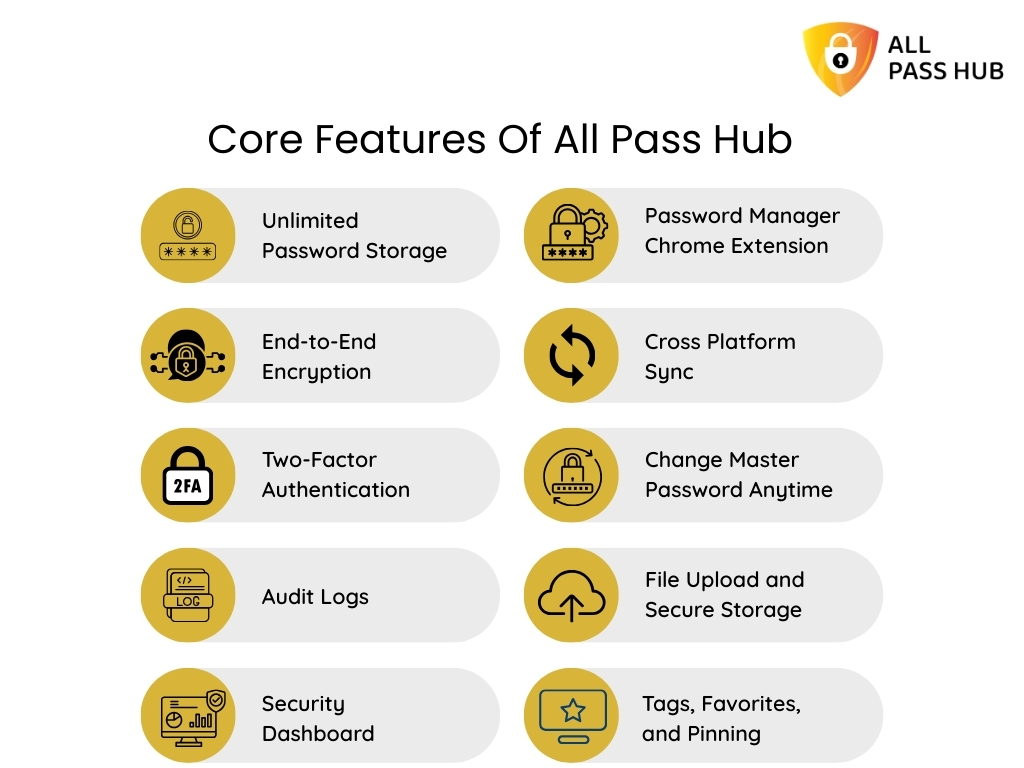
Where the All Pass Hub Fits
- Lightweight and structured for small teams
- Organizes client credentials cleanly with shared vaults
- Simple migration and predictable daily use
- Access policies that scale without complexity
With the right tool selected, your workflow becomes stable, repeatable, and ready for growth.

In a Nutshell
A secure password workflow is not just a safeguard; it is a framework for small team managers and project leads that keeps client work predictable and shields the reputation.
Once you replace scattered sharing habits with a small business password manager, the entire rhythm of work changes. Access becomes smoother, handoffs stay organized, and you no longer wonder whether a forgotten login might derail a deadline.
When you are ready to centralize everything into a system that supports your workflow instead of working against it, All Pass Hub is right here. This best password manager for small businesses, offers a clean, structured approach that matches the pace and pressure of small teams.
Thank you for reading. Here is to building processes that strengthen your work, protect your client credentials, and help your team operate with confidence.
FAQs
What are the key components of a password workflow?
A strong workflow includes clear password standards, a shared vault, role-based access, MFA on critical accounts, monthly reviews, rotation for high-risk logins, and a seamless way to share credentials securely.
The goal is to enforce predictable habits that the entire team can follow, even during busy cycles.
How do small teams enforce password security without slowing work?
Ensure rules are well-defined, place every credential in one structured system, and adopt tools that support fast access through autofill, shared vaults, and predefined permission groups. When the process feels effortless, people follow it without shortcuts or delays.
What is the simplest way to start using a password manager?
Commence by importing all client logins into organized vaults, grouping them by client or project. Assign access based on roles, not individuals. Encourage everyone to use the vault for daily work so the team builds consistent habits from the beginning.
How do I move my team from spreadsheets to a secure workflow?
Start by centralizing passwords in a shared vault, then replace ad-hoc sharing with item-level RBAC. Review who needs visibility, remove stale logins, and introduce MFA for high-value accounts.
Tools like All Pass Hub make the transition smooth by offering team vaults, clean organization, and straightforward migration paths.
How can we prevent contractors from having more access than they need?
Grant contractors access through predefined groups, rather than direct sharing. Limit them to the minimum required items and remove visibility once work is done. A structured vault enables temporary, controlled access, making it easy to audit later.