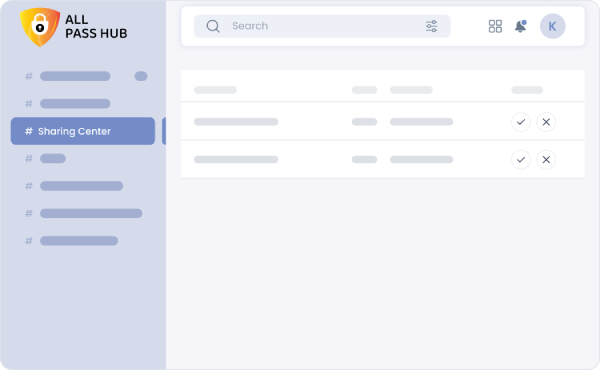
Accept or Reject Shared Passwords
In the Sharing Center, you can instantly view all passwords that have been securely shared with you. With a single click, accept or reject them to control which credentials appear in your account. Once accepted, the password is automatically added to your All Credentials list for quick and secure access.
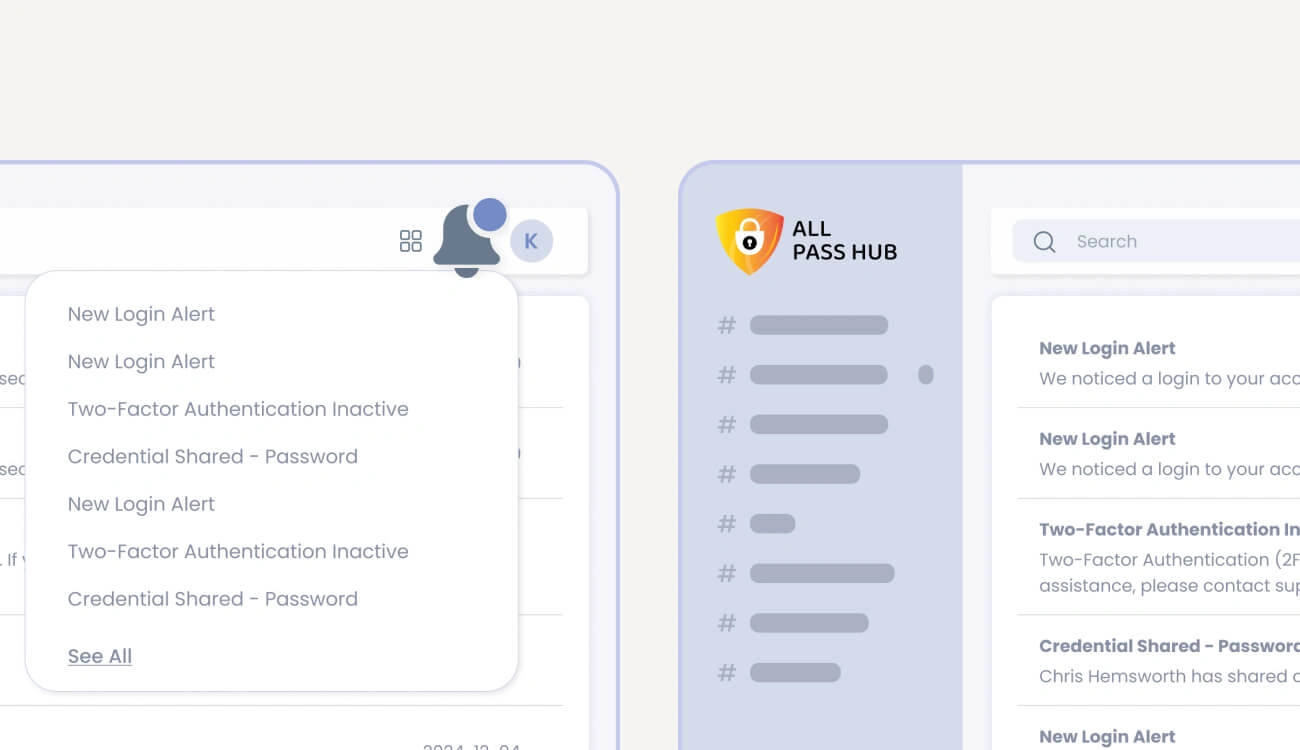
Email Notifications for Shared Credentials
Stay informed in real time with email notifications whenever someone securely shares a credential with you. Get instant alerts for both sending and receiving, so you never miss important updates to your shared passwords and sensitive data.
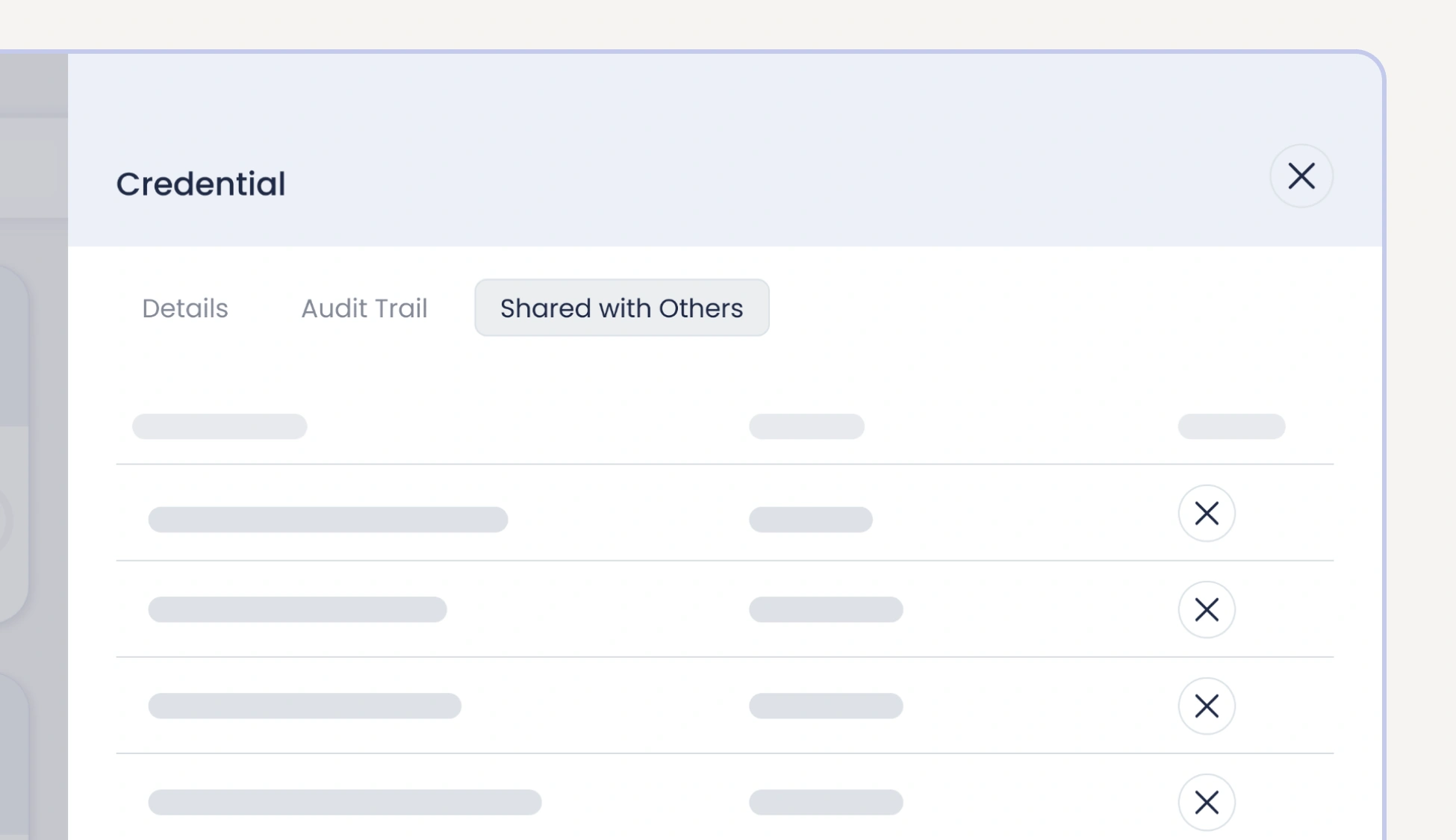
Revoke Shared Credentials
Maintain full control over your shared passwords and sensitive data. Recipients can revoke any incorrect or outdated credentials shared with them, while senders can withdraw access if a credential is no longer needed. This ensures your password sharing remains accurate, secure, and up to date.
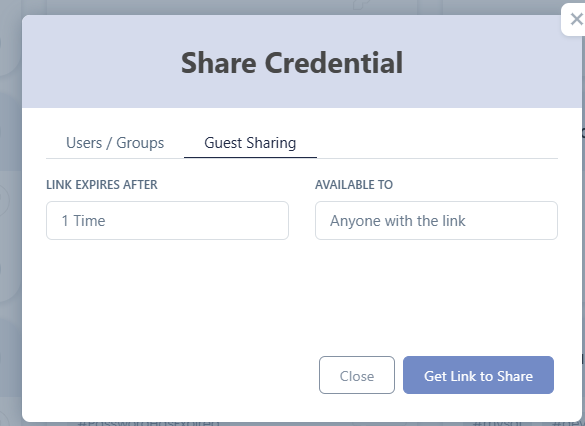
Guest Sharing
Share credentials securely with anyone, even non All Pass Hub users, using encrypted Guest Sharing links. Control access with view limits and expiry settings, revoke instantly, and share with individuals or teams in seconds. Every interaction is recorded in your Audit Log for full visibility and peace of mind.
Group-Based Sharing
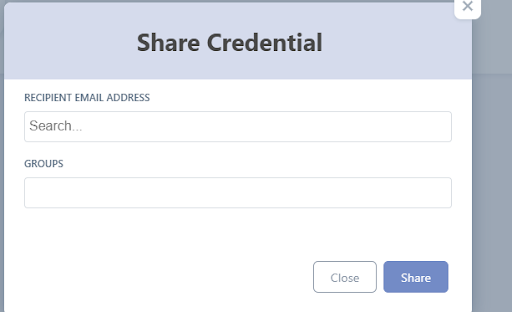
Share credentials with entire groups in only a few clicks. Permissions updates automatically as team members change. No manual rework. No forgotten permissions. Your team stays aligned, and access remains controlled, predictable, and easy to manage.