Secure every login with multi-factor authentication solutions that ensure your account stays protected even if a password is compromised. Enable two-factor authentication or biometric options for quick, safe access and consistent MFA protection across all devices and vaults.
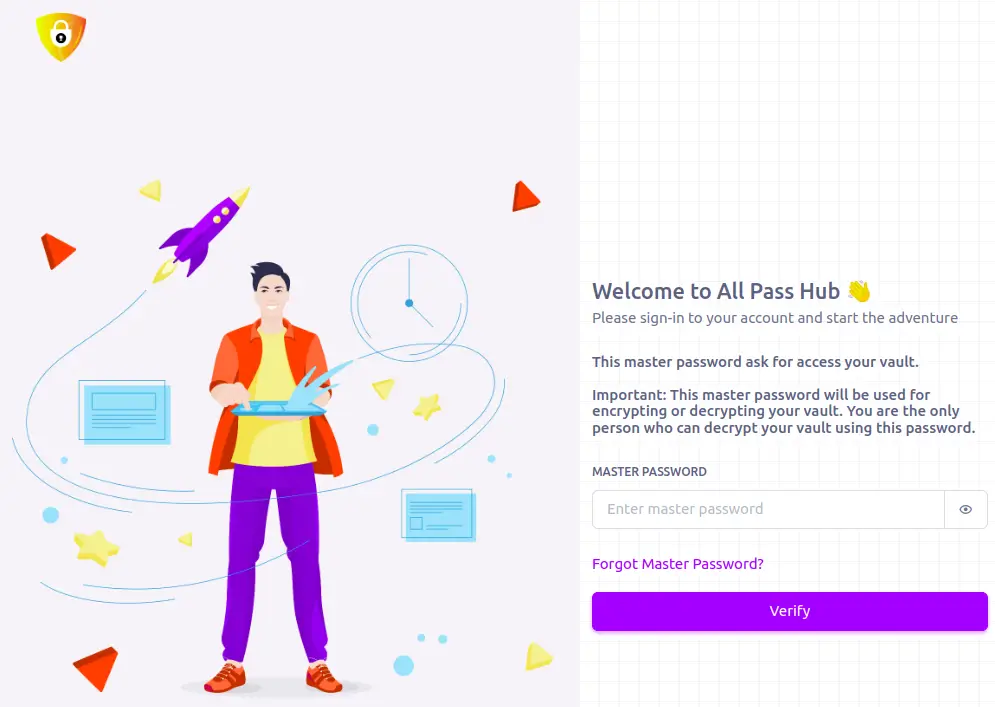
Enhanced security with a second layer requiring Master Password and Google Authenticator 2FA verification
Data security is our top priority
Store your passwords with confidence, knowing we keep no record of plaintext passwords—though this makes recovering a forgotten password more challenging
Cross-platform and cross-device integration
Effortlessly access all your passwords across multiple devices
A robust defense against unauthorized access and breaches
We combine multiple layers of verification to ensure that no password is compromised and the system remains tamper-proof. You get robust protection against password reuse, phishing, and credential leaks.
Continuous MFA evolution
All Pass Hub continuously updates and enhances multi factor authentication MFA features to stay ahead of emerging cyber threats. We provide MFA for both account and stored credential access.
Frequently asked questions
Here you will find the answers to the frequently asked questions.
A master password is the single, powerful password that unlocks your entire encrypted vault. Choose one that is long (over 12 characters), uses upper/lowercase, numbers, symbols, and is unique never reused on other sites.
Recovery options differ by provider but may include using a recovery email, a biometric unlock, backup codes, or security questions set up during registration. Without a recovery method, zero-knowledge security means you may be permanently locked out, so always configure and safeguard your recovery options.
Password managers are widely considered the safest way to store and protect your passwords. Trusted providers employ advanced encryption and “zero-knowledge” architecture, meaning even the service provider can’t access your data. However, as with any tool, risks exist especially if you use weak master passwords, ignore updates, or fall victim to phishing or social engineering attacks.
2FA adds a second verification step beyond just a password, making it more challenging for attackers to gain access. Even if your master password is compromised, they still need your secondary factor.
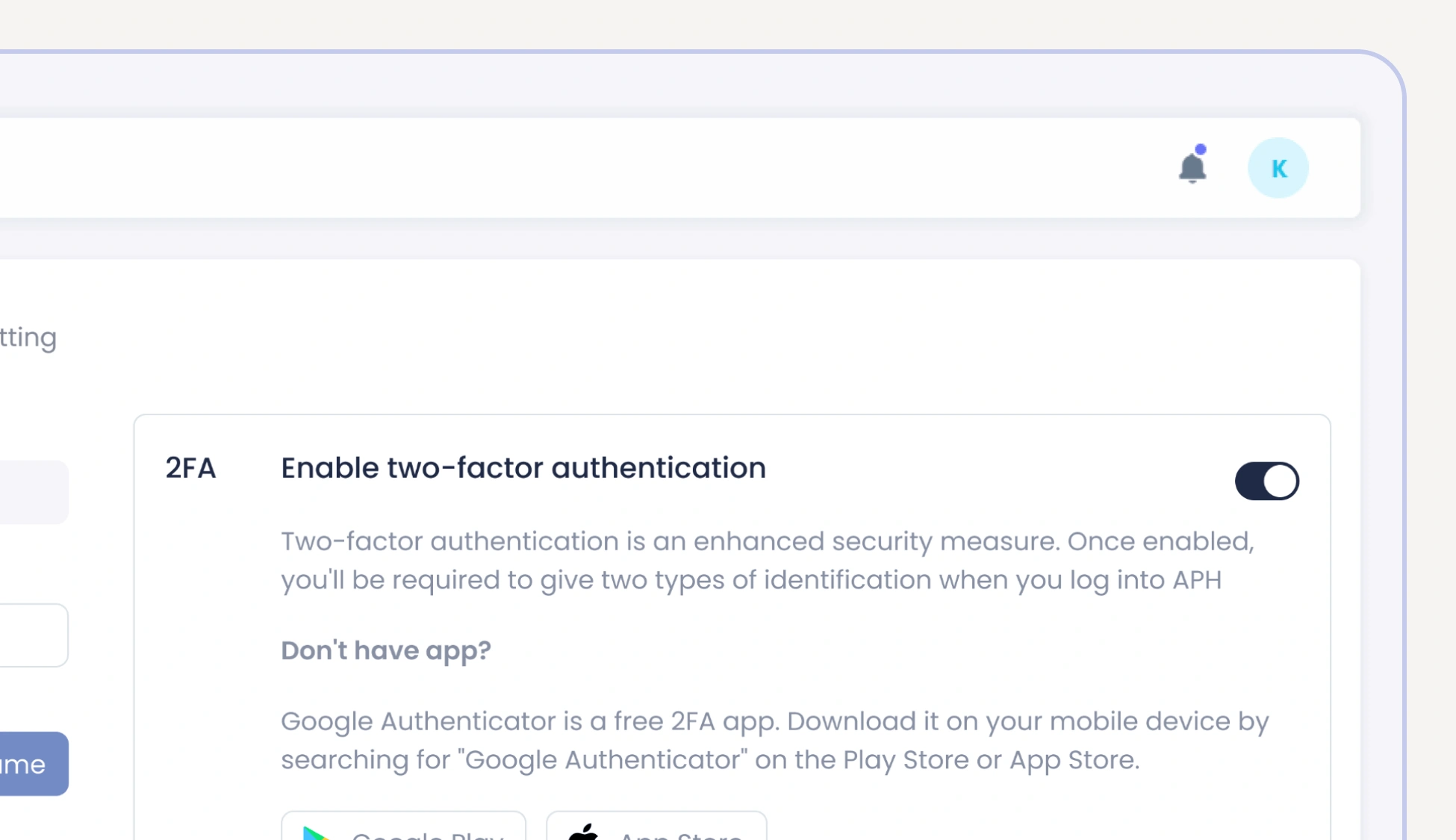
Tap on your name first initial on the top right corner > My Profile > Enable two-factor authentication > Select 2FA Type. Enabling 2FA helps you maintain secure access, especially when using features like Unlimited Password Sharing or team collaboration tools.
If you lose your phone or access to your authenticator app, you can use the backup codes saved during setup. Without them, you may need to contact support to regain access securely. All actions—from login attempts to recovery—are recorded through audit trails, keeping your account usage transparent and traceable.
Yes, All Pass Hub supports biometric options such as fingerprint or face recognition as a secondary authentication method, providing quick access without compromising security. We are currently adding this feature in our upcoming upgrade.