Prepare Your File
Export your credentials from your current tool as a CSV. No special formatting needed. Just drop it in, and you are good to go.
Most teams lose hours during migration because tools make moving passwords painful. At All Pass Hub, fast import and export ensure a seamless switch, clean organization, and fewer surprises. Here is how migration with us directly improves your day-to-day workflow.
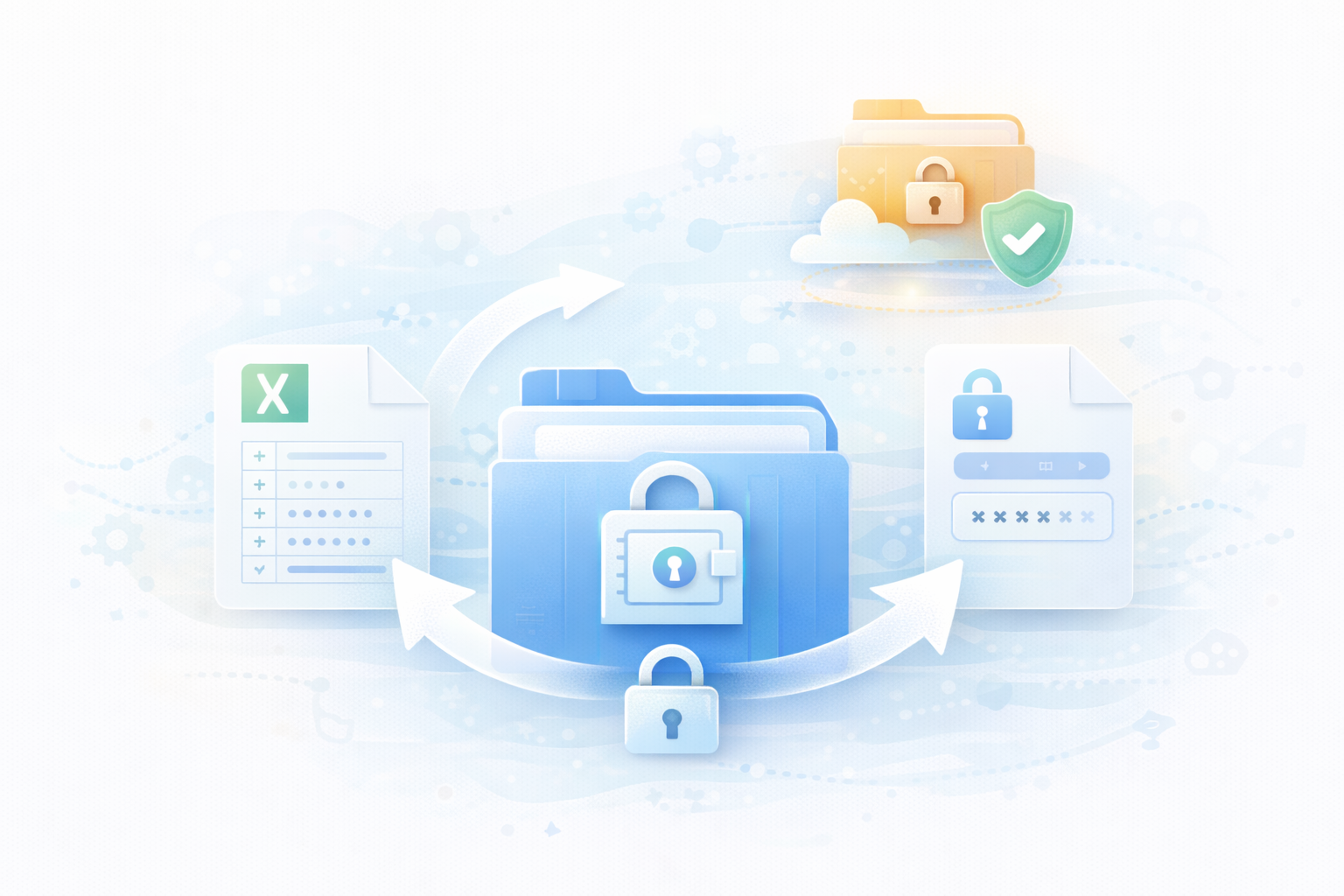
Most tools make migration feel like a chore. With All Pass Hub, the process is clean, predictable, and quick. It allows your team to switch without breaking anything along the way.
Export your credentials from your current tool as a CSV. No special formatting needed. Just drop it in, and you are good to go.
Upload the CSV, and All Pass Hub automatically maps your logins, fields, and categories. No manual fixing or data cleanup is required.
Review your imported items, assign tags, and place credentials into the correct vaults or groups with a few clicks.
If you ever need a backup or want to migrate again, export your entire vault as a secure CSV file.
Migration should never weaken your protection. At All Pass Hub, we keep everything encrypted and under your control from the moment you import to the moment you export.
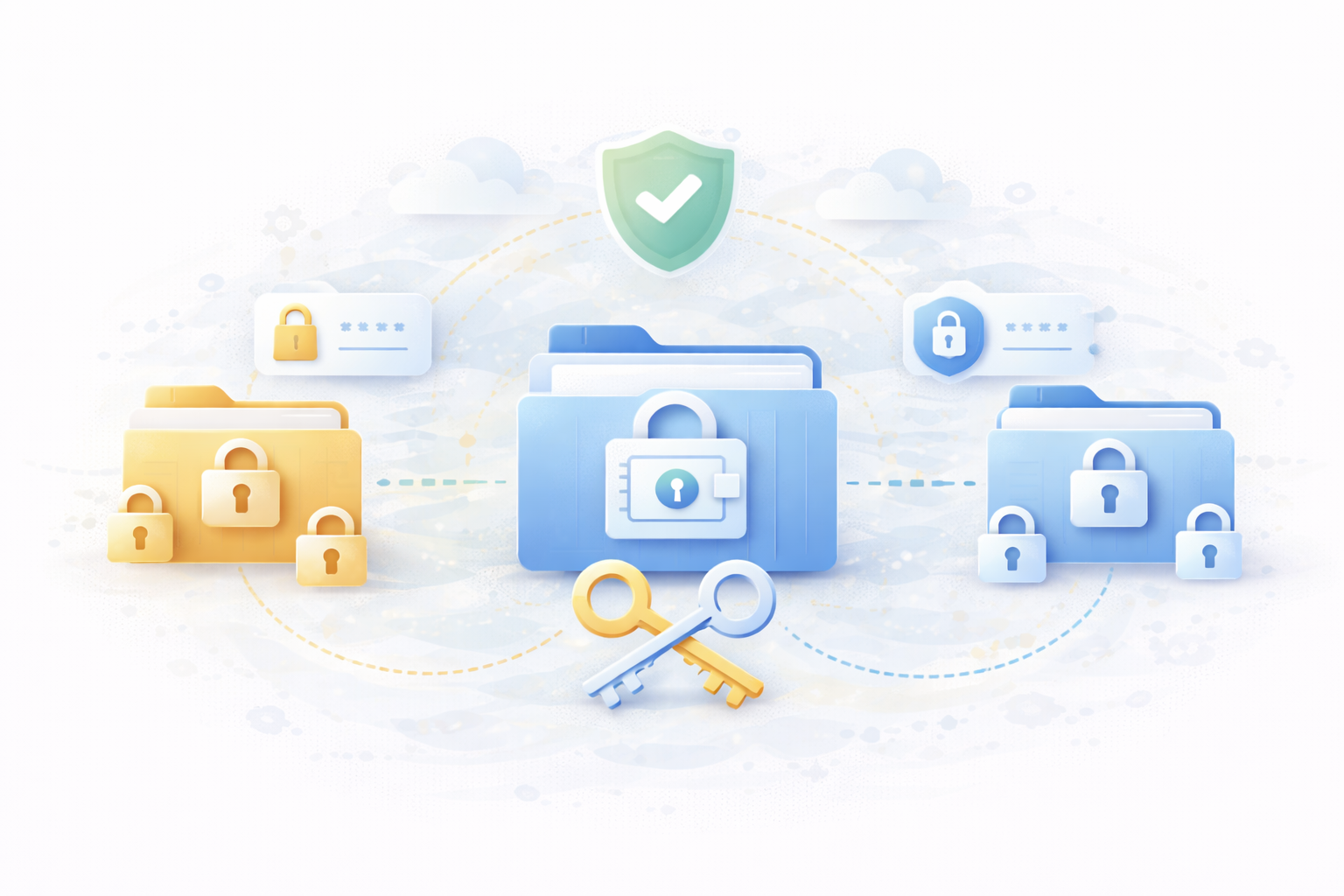
Teams still storing passwords in Excel or Notion can migrate their setup in minutes without manual re-entry.
Bring your exports from LastPass, 1Password, or Bitwarden and start password management immediately.
Combine scattered credentials from multiple tools into one structured vault when teams merge or expand.
Agencies handling large sets of client logins can centralize them fast & assign access instantly.
Export encrypted vault copies for surprise compliance checks, security audits, or additional safety.
Export, clean your CSV, and re-import for a fresh, organized vault when things get messy.
Tell us where your passwords are coming from, and we will help you map the fastest route into All Pass Hub without breaking your workflow.
Importing or exporting credentials can raise a few questions, especially if your team is switching from another password manager. These FAQs provide you with straightforward answers so you know what to expect and how the process works from start to finish.
