- Posted on December 24, 2025
- 9 Min Read
Every small agency and freelancer eventually hits the same fork in the road.
- A late-night Slack ping about a suspicious login.
- A client is asking who still has access.
- A contractor admitted to reusing a password because it was faster.
Nothing is on fire yet, but something is off.
That is where paths diverge.
Agency A: Rely on shortcuts, memory, and goodwill.
Agency B: Introduces structure early. Credentials reside in a centralized password vault. Access is controlled. Nothing relies on remembering.
Most freelancers and small teams are not careless. They are fast.
Habits scale quickly than systems. And password decisions quietly shape client trust and delivery confidence more than almost any daily workflow.
It only takes one weak credential for a client to question control. Once that doubt appears, work feels heavier. Speed no longer feels an advantage.
How Leaks Really Happen Inside Small Teams
Credential leaks rarely appear as dramatic breaches. They usually begin with ordinary moments that every freelancer & small team has seen.
- Someone rushes to share a login during a client call.
- A contractor works from a personal device with synced browsers.
- An old account remains active after offboarding.
- A shared password sits in a chat thread long after the task is done.
These situations feel harmless, yet they quietly create cracks that attackers wait for.
- Research from CyCognito shows that stolen session cookies, misused tokens, and phishing attempts often originate from tiny lapses in credential handling.
- Proofpoint highlights credential stuffing, password spraying, and Adversary-in-the-Middle (AitM) attacks as additional pathways for compromise.
- Sentry Security explains how public apps leak credentials through poorly configured OAuth workflows. These risks come from human shortcuts more than technical flaws.
And when a leak slips through, the consequences reach far beyond the single account that started it. It emphasizes the importance of generating and using strong credentials using a password manager.
The Cost of Weak Passwords That Agencies Never See: Cost-Risk Analysis
When a password slips, the actual damage rarely begins at the moment of the leak. What unfolds afterward is a chain reaction. Freelancers & small teams only notice once client work slows, systems behave unpredictably, or a concerned client reaches out.
- Research from Exabeam indicates that weak credentials are usually attackers’ silent entry points. It allows them to explore connected systems before anyone detects unusual behavior.
- Proofpoint’s data reveals that exposed logins often contribute to unauthorized access long before teams realize something is suspicious.
- Arsen’s breach analysis highlights how quickly the fallout spreads into client relationships, operational delays, and compliance pressure.
Let’s make the impact crystal clear by outlining how a single weak credential can escalate across an agency’s workflow.
Cost-Risk Analysis Table
| Failure Point | What Happens Behind the Scenes | Business Impact |
| Unauthorized access | Attackers gain quiet entry and observe systems without immediate detection | Loss of control and increased threat exposure |
| Lateral movement | Access spreads into related accounts or shared tools | Multiple systems become compromised at once |
| Client data exposure | Sensitive information becomes accessible or copied | Damaged trust, possible legal reporting, and strained client relations |
| Operational slowdowns | Teams pause work to verify logs, reset access, and contain the issue | Missed deadlines, stalled deliverables, and internal disruption |
| Reputational consequences | Clients question security standards and long-term reliability | Harder renewals, slower referrals, risk of churn |
| Compliance triggers | Breaches meet thresholds for reporting or audits | Administrative burden, financial penalties, scrutiny from regulators |
Once leaders notice how quickly these steps unfold, the priority naturally shifts toward designing a password security policy that prevents small cracks from becoming structural failures.
The Prevention Framework Small Teams Can Implement
Passwords fail quietly first, through small compromises that feel harmless in the moment. Actual protection comes from tightening the workflow before anything goes wrong, not from reacting after the damage is visible.
What actually works for freelancers and small agencies handling multiple clients is not a single policy or tool, but a set of simple practices applied consistently.
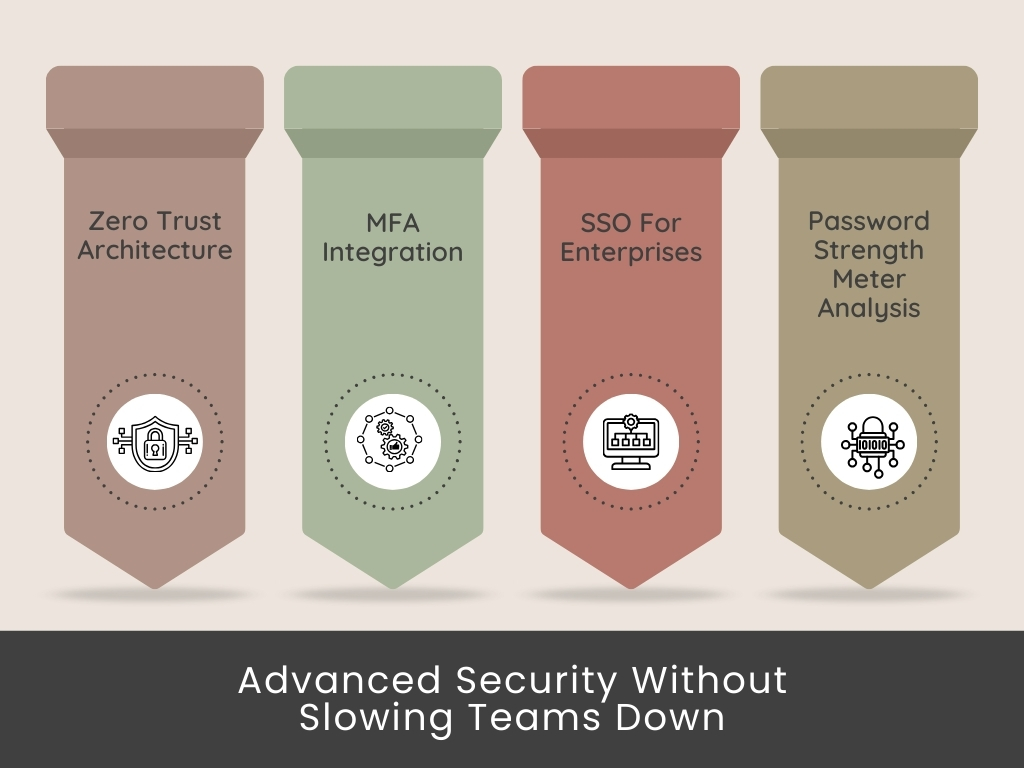
Below is the prevention blueprint (password security best practices) that holds up across real multi-client work.
MFA matters everywhere
Safeguard high-risk accounts with strong authentication (2FA) and avoid relying solely on SMS (text messages).
Unique passwords and passphrases
Remove shared patterns and ensure no two client accounts repeat the same structure.
Organized, centralized credential storage
Use a single controlled vault instead of scattered files, chats, or browser sync.
Item-based RBAC and audit readiness
Assign access at the credential level so each person only sees the items tied to their responsibilities. Pair this with audit-ready logs that capture who viewed, edited, or shared an entry. Ideal for compliance checks and activity reviews.
Secure sharing and rotation rules
Share without exposing. Rotate credentials after major events, handovers, or vendor changes.
Real-time access reviews
Examine who can view what before every new project cycle commences.
⭐Tip: If a prevention step feels “optional,” it is usually the one attackers rely on, and you are neglecting.
Once these fundamentals are in place, the conversation naturally shifts toward the root problem holding back most teams: the infrastructure used to store and share credentials.
Why Password Managers for Small Teams Are a Solution to Leak Prevention
When small teams and freelancers trace a credential leak back to its source, the cause is rarely mysterious. It’s the workflow that drifted.
- A password was dropped into a chat to save time.
- A Google Sheet that outlived the project.
- A contractor who kept access because offboarding was rushed.
None of these feels dangerous in the moment. The damage starts compounding long before anything breaks.
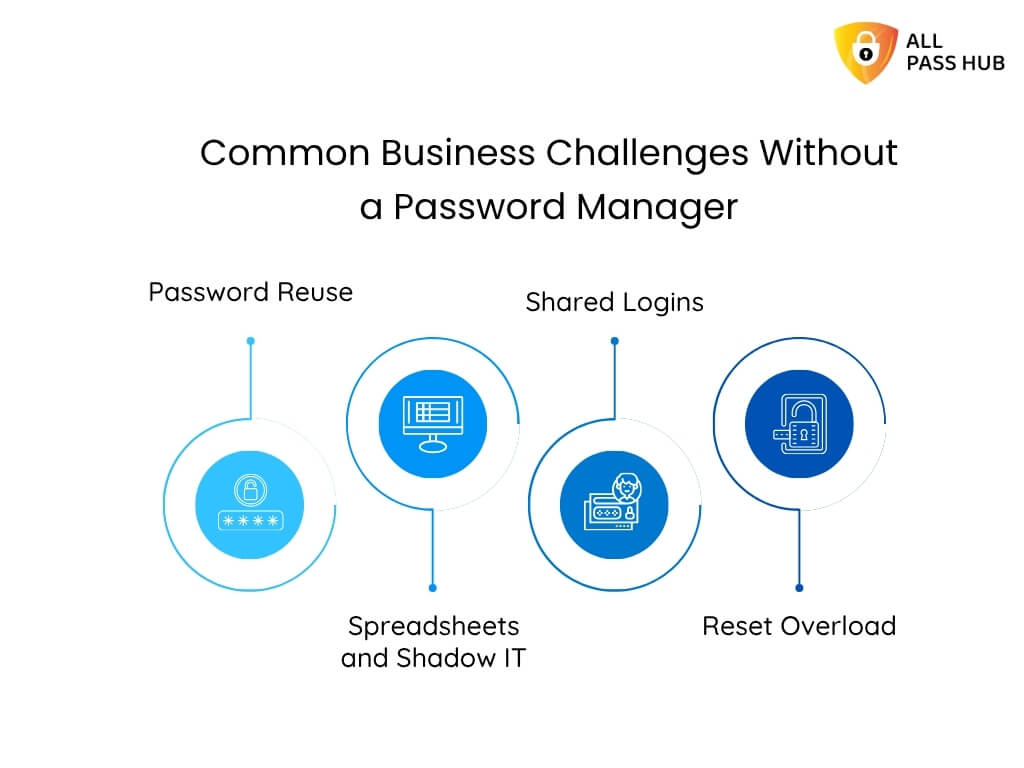
Password managers for small teams work because they replace improvisation with structure. They turn fragile habits into predictable, controlled access. That is why many digital agencies adopt them to manage client passwords and boost collaboration & security.
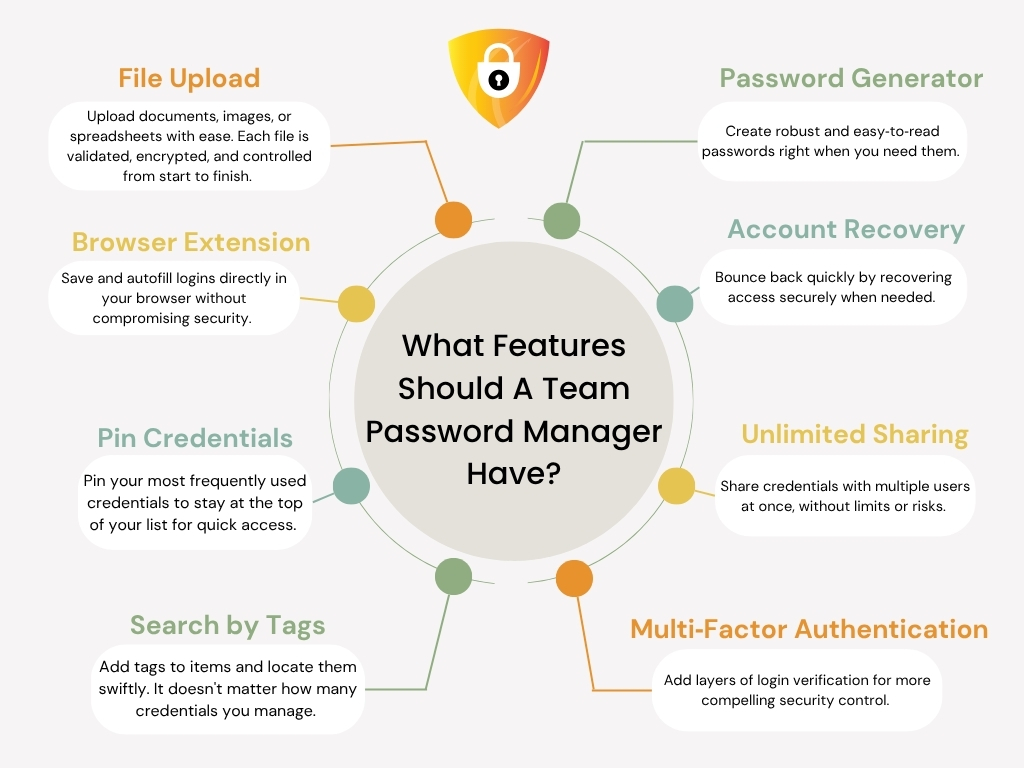
Let us make this straightforward with the following visual breakdown that decision-makers often find helpful.
How Password Managers Prevent Credential Leaks
| Problem That Causes Leaks in Small Teams | What Happens in Real Life | How a Password Manager Solves It |
| Scattered credential sharing | Passwords shared in chats or emails linger for months | Secure sharing links, controlled visibility, and no long-term exposure |
| Shared or repeated passwords | One breach affects multiple client accounts | Enforced unique passwords and strong password generation |
| Stale access after offboarding | Ex-employees retain access without anyone noticing | Instant revocation and client-specific vault control |
| Unknown credential history | No visibility of who viewed or changed a login | Comprehensive audit logs and item-level tracking |
| Browser-synced credentials | Personal devices store logins without oversight | Centralized vault replaces browser storage entirely |
| Contractors needing quick access | Temporary access becomes permanent access | Time-bound or item-specific access rules |
| Rushed last-minute updates | Teams forget to update shared sheets | Centralized updates apply instantly for all authorized users |
It is not just a tool shift; it is a structural upgrade in how to secure passwords, especially sensitive information.
Moreover, it is essential to have an understanding of the cost analysis of spreadsheets vs password managers for agencies.
How Small Teams Build a Leak-Proof Credential Workflow
What most teams and freelancers never admit out loud is that leaks don’t come from attackers outsmarting them; they originate because everyday habits drift.
A workflow is only as strong as the last shortcut taken. It can be:
- A login saved into a chat to unblock work.
- A vendor who kept access longer than expected.
- A credential no one remembered to rotate.
These moments feel operational, not risky, until they stack.
Teams that stay protected rely on a structure that eliminates guesswork and closes gaps before they form.
Let’s make this clear with a real structure behind an impenetrable workflow:
The Core Layers of a Leak-Proof Credential System
| Layer | What It Protects | Strategic Advantage |
| Strong passphrases | Entry points | Prevents anyone from guessing or cracking patterns |
| MFA on critical accounts | High value targets | Stops intrusions even if a password leaks |
| Item-level access rules | Contractor and team visibility | Limits blast radius and keeps exposure contained |
| Centralized vault updates | Real-time accuracy | No one works with outdated credentials |
| Regular access reviews | Old accounts and stale permissions | Removes silent vulnerabilities before attackers find them |
A workflow like this works because it eliminates improvisation. When every access path is intentional, leaks have nowhere to hide.
Once this structure is in place, the final step is to ensure secure password management as your team grows and client demands evolve.

The Bottom Line
Password security rarely announces itself as a problem. It appears as a barrier.
Work slows. Access feels uncertain. Simple questions take too long to answer.
Over time, that friction quietly erodes confidence, both yours and your clients’.
The teams and freelancers who stay ahead treat credentials as part of how work moves, not as loose items to manage later.
Access is intentional. Sharing is controlled. Nothing critical depends on memory, inbox searches, or last-minute fixes.
This shift is less about locking things down and more about creating operational calm.
Organized credentials ensure streamlined workflows. Handoffs feel lighter. Trust becomes easier to maintain.
If you want a password system that supports this way of working without adding overhead, All Pass Hub fits naturally into small agency and freelancer workflows. It ensures access is simple, controlled, and ready for whatever comes next.
Here is to creating a workflow where credentials feel effortless, security feels robust, and your clients always feel protected.
FAQs
How do companies actually encrypt passwords, and how does this differ between cloud and self-hosted setups?
Most systems encrypt passwords on the user’s device before they enter any server. In cloud setups, the vendor controls the storage location. In self-hosted models, the encrypted database resides within your environment.
How can we maintain password hygiene across multiple client environments with different rules?
Use one vault with client-specific folders, enforce strong passphrases using a password generator, standardize MFA for high-risk accounts, and review access before every new project cycle.
How can a small team identify if a password has already been compromised without waiting for an incident?
Monitor credential activity logs, review unexpected access patterns, and check passwords against breach databases. Early detection often comes from noticing irregular use rather than an entire incident alert.
How do we set up temporary access for new contractors without exposing everything?
Assign access at the item level and set definite expiration rules. Contractors should only view the credentials tied to their task, and the access should end automatically when the work is done.
How do we safely share passwords with clients who prefer email or messaging apps?
Avoid sending credentials through open channels as per password security best practices. Use a one-time share feature that lets the client view the password once without exposing your vault.
All Pass Hub includes this capability, allowing secure sharing without storing sensitive details in chats or email threads as part of its password security policy.